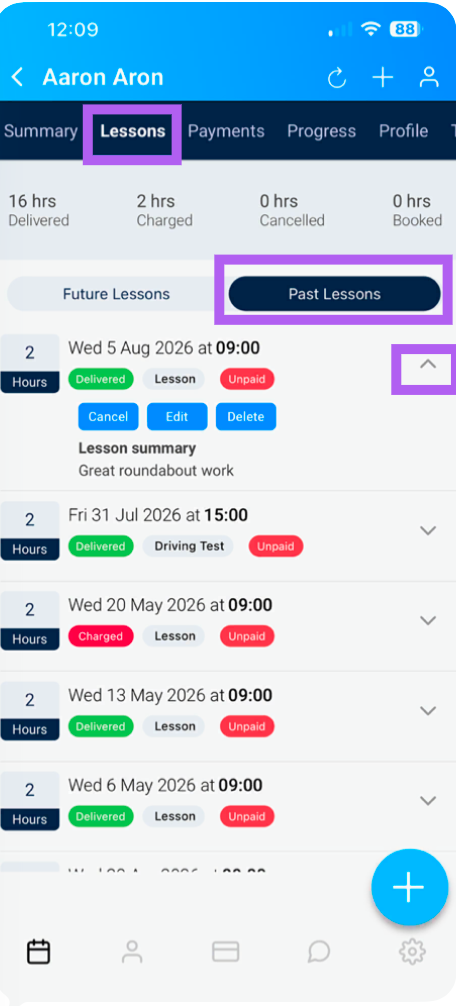
To add a summary for your most recent lesson, begin by locating and selecting the lesson in your diary.
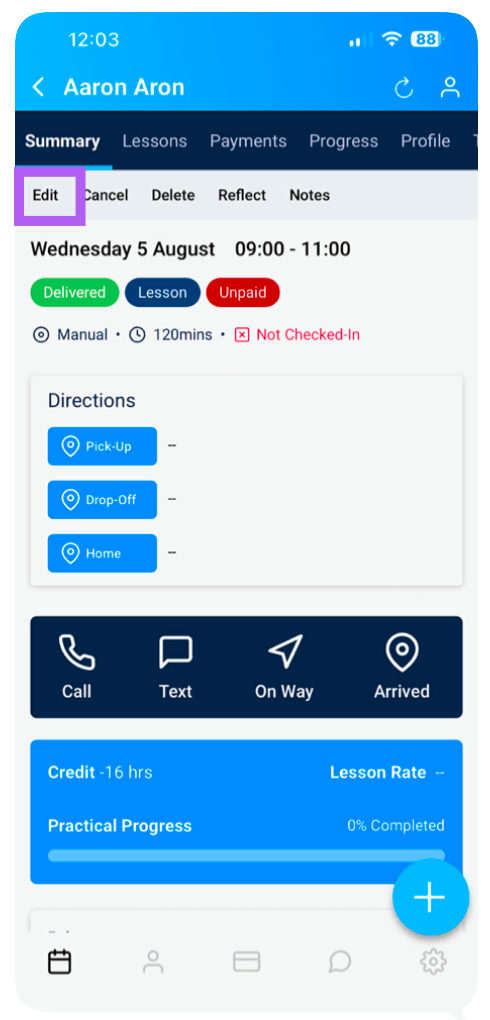
This will open the Summary screen for that lesson.
Tap Edit to modify the lesson details.
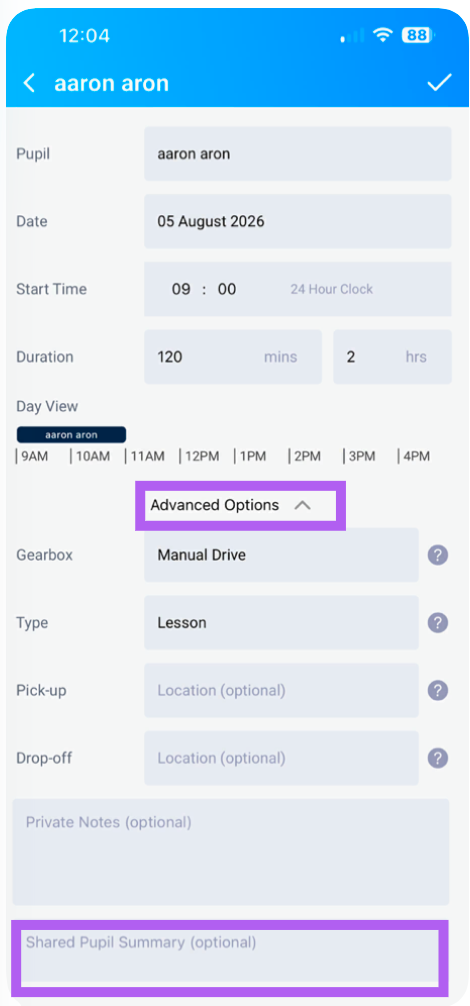
On the edit screen, you’ll find two key sections:
(you may need to open advanced options
Shared Pupil Summary – a summary that is visible to both you and your pupil.
Pupil Private Notes – private observations that only you (the instructor) can see.
The two fields are optional, so you don’t have to fill them in.
You can return to this summary at any time to update or add more information.
To view any previous summaries, please click on the pupils lessons > past lessons then the arrow next to the lesson you want to see.