Step-by-Step Guide
Log in to your Total Drive web admin at https://web.totaldrive.app/
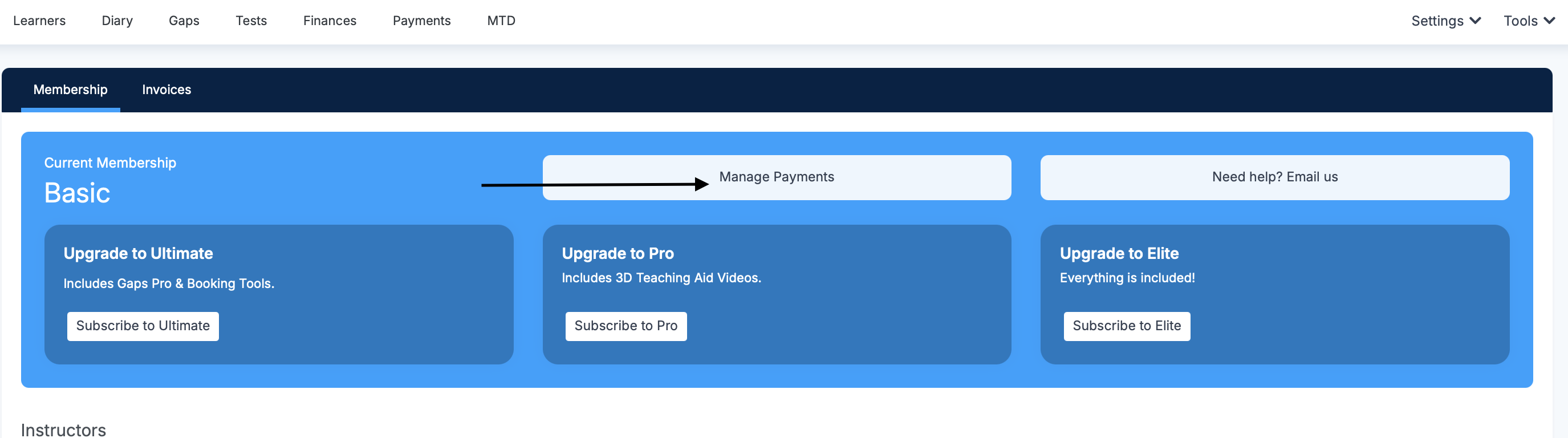
Go to Tools > Billing
Click the Manage Payments button
You’ll be taken to a secure Stripe payment interface, where you can:
View your current payment method
Add a new card
Remove an old or expired card