Updating Your Total Drive Subscription
Log in to the Total Drive Web Admin - here
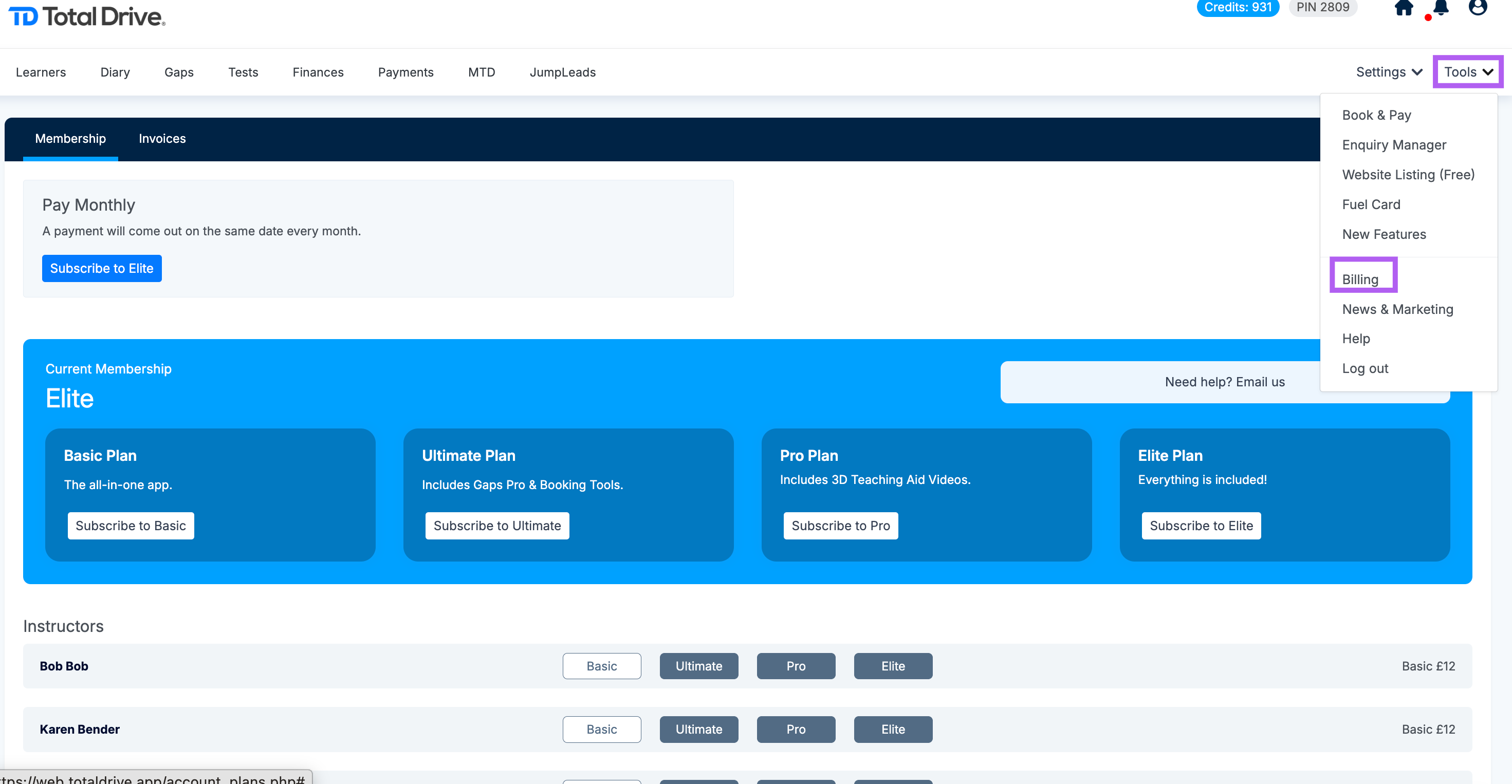
Click Tools.
Select Billing.
You'll see all available subscription plans:
Basic
Pro
Ultimate
Elite
Click the plan you'd like to switch to.
Your subscription will update automatically, and any changes will be reflected in your next billing cycle.
Note: To view the membership options, click here