
Change Your Diary View
You can switch between different diary layouts to see more or fewer days at a glance — handy for planning ahead or focusing on a single day.
Steps to Change Your Diary View
Open the Diary page.
Tap the three horizontal lines in the top-left corner.
- Under Diary Display, choose from:
1 Day View
3 Day View
5 Day View
7 Day View
The diary will update instantly to reflect your chosen layout.
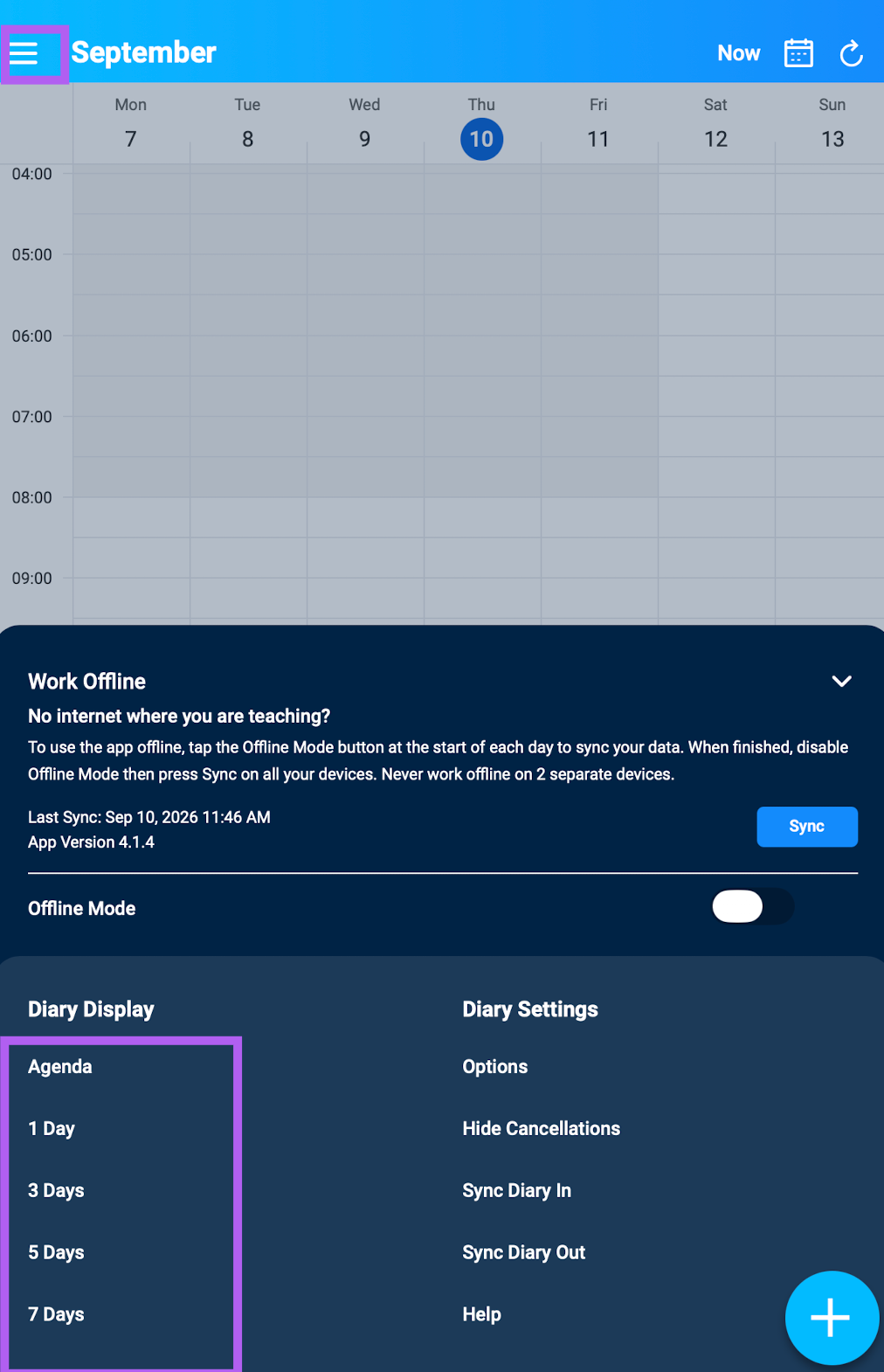
Note: Clicking on Agenda will give you today's lessons