Deleting an Expense in the Total Drive App
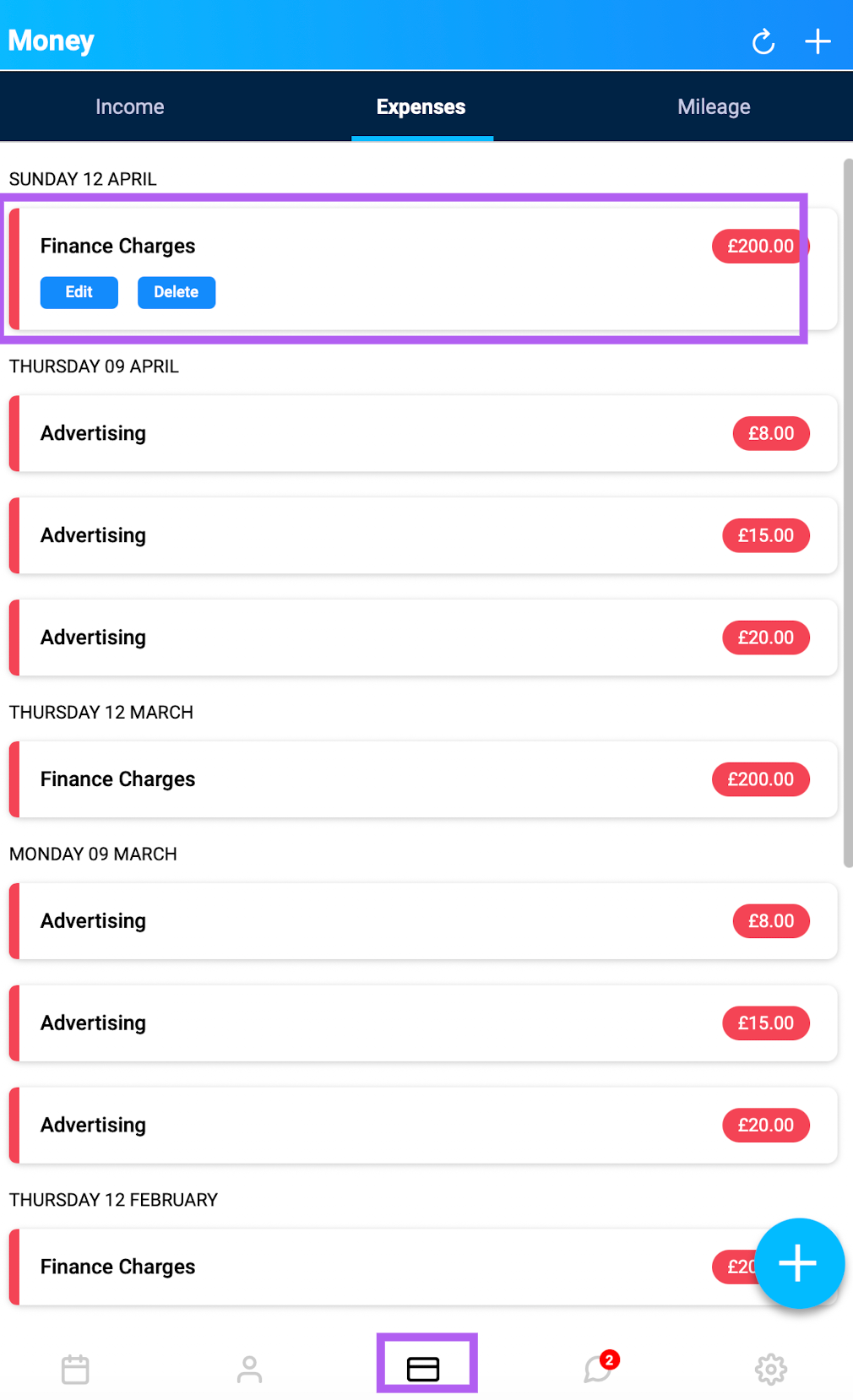
Open the app and tap the Money tab.
At the top, switch the tab from Income to Expenses.
Tap the expense you want to remove.
You'll see two options: Edit or Delete. Tap Delete.
A pop-up will ask, "Are you sure?" — tap Yes to confirm.
The expense will then be permanently deleted.