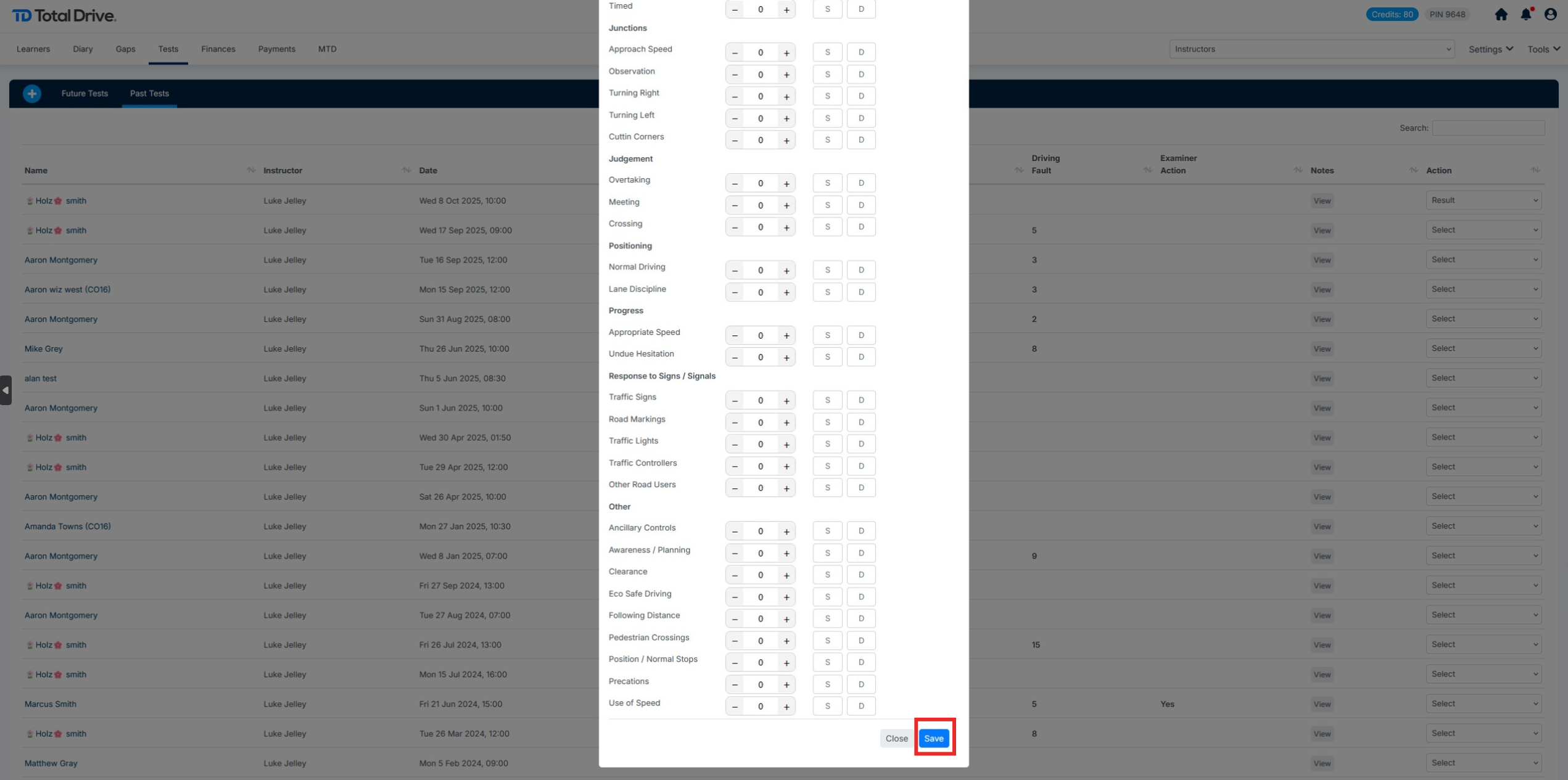
Start by logging into the web admin: https://web.totaldrive.app/login
From the dashboard, click Tests >> Past Tests to display your past driving tests
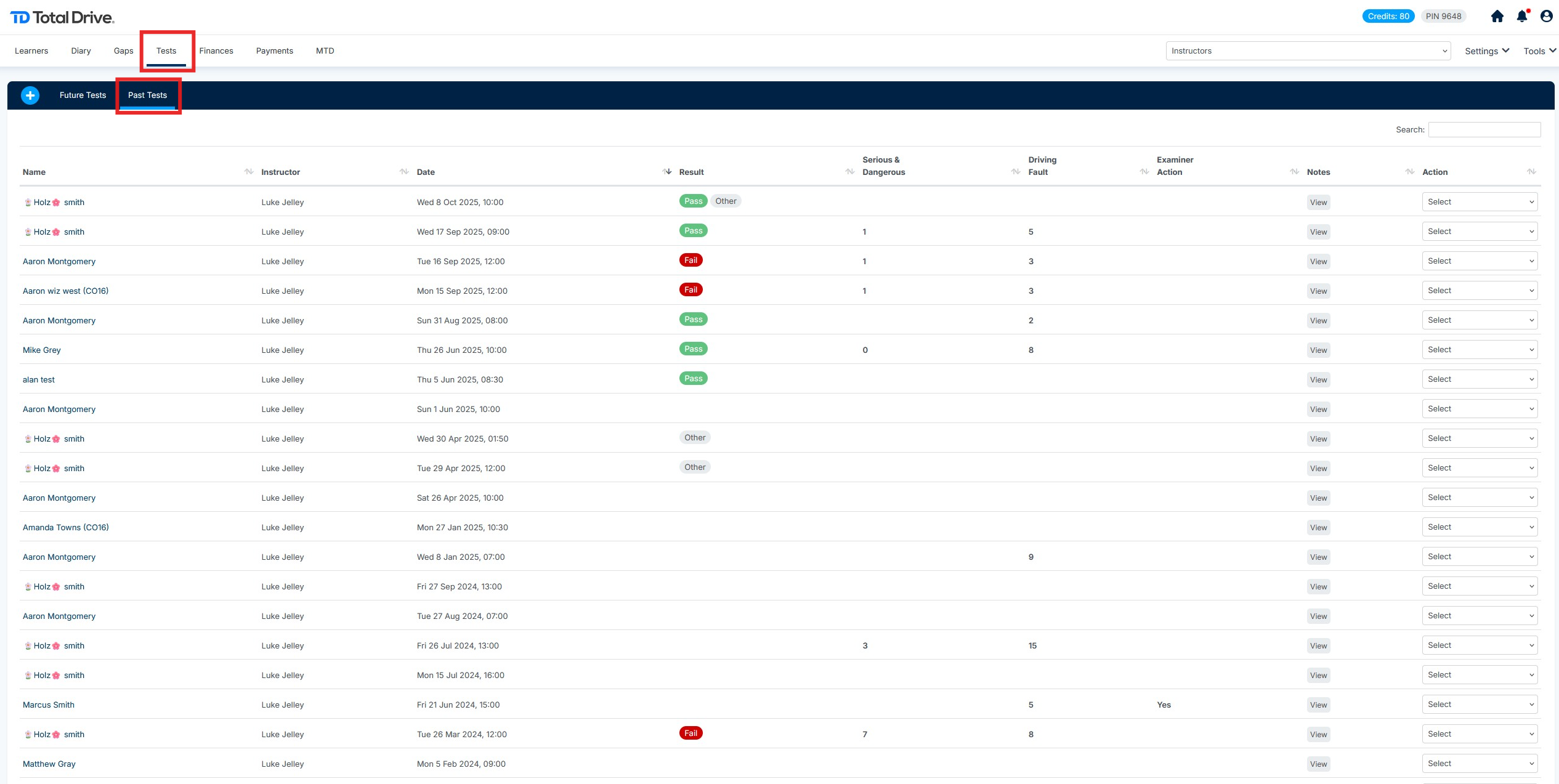
From here locate the pupil you wish to add the test result for, select the Action on the far right. You can edit/delete or add the results of the test.
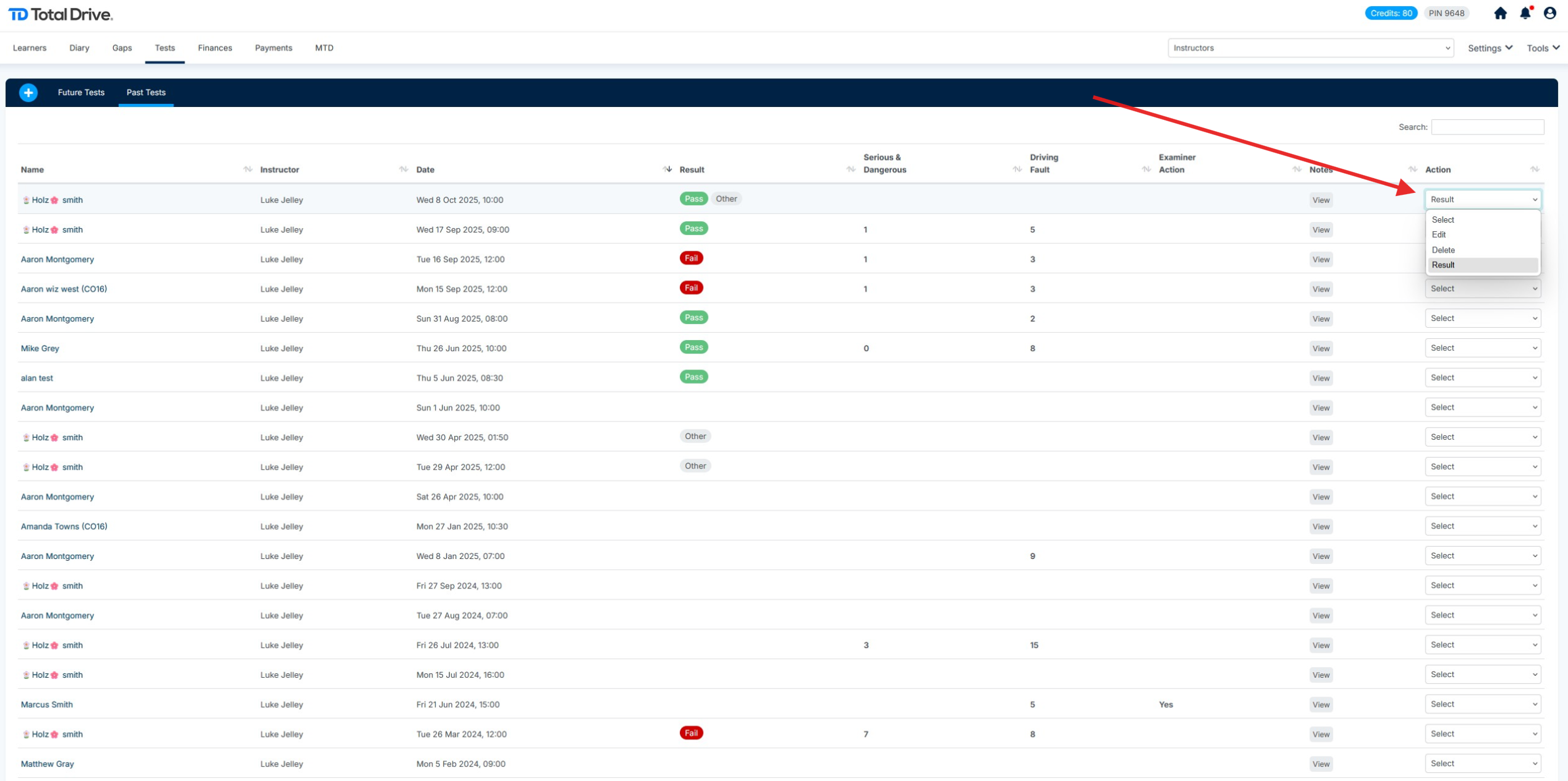
The Key at the top shows in Green to aid with marking, these will change colour as you add to the form ETA will be identified if Examiner Took Action. You can toggle options on should you wish to report on this, add the number of driving faults using the + & - and additionally specify if they are Serious Faults or Dangerous Faults.
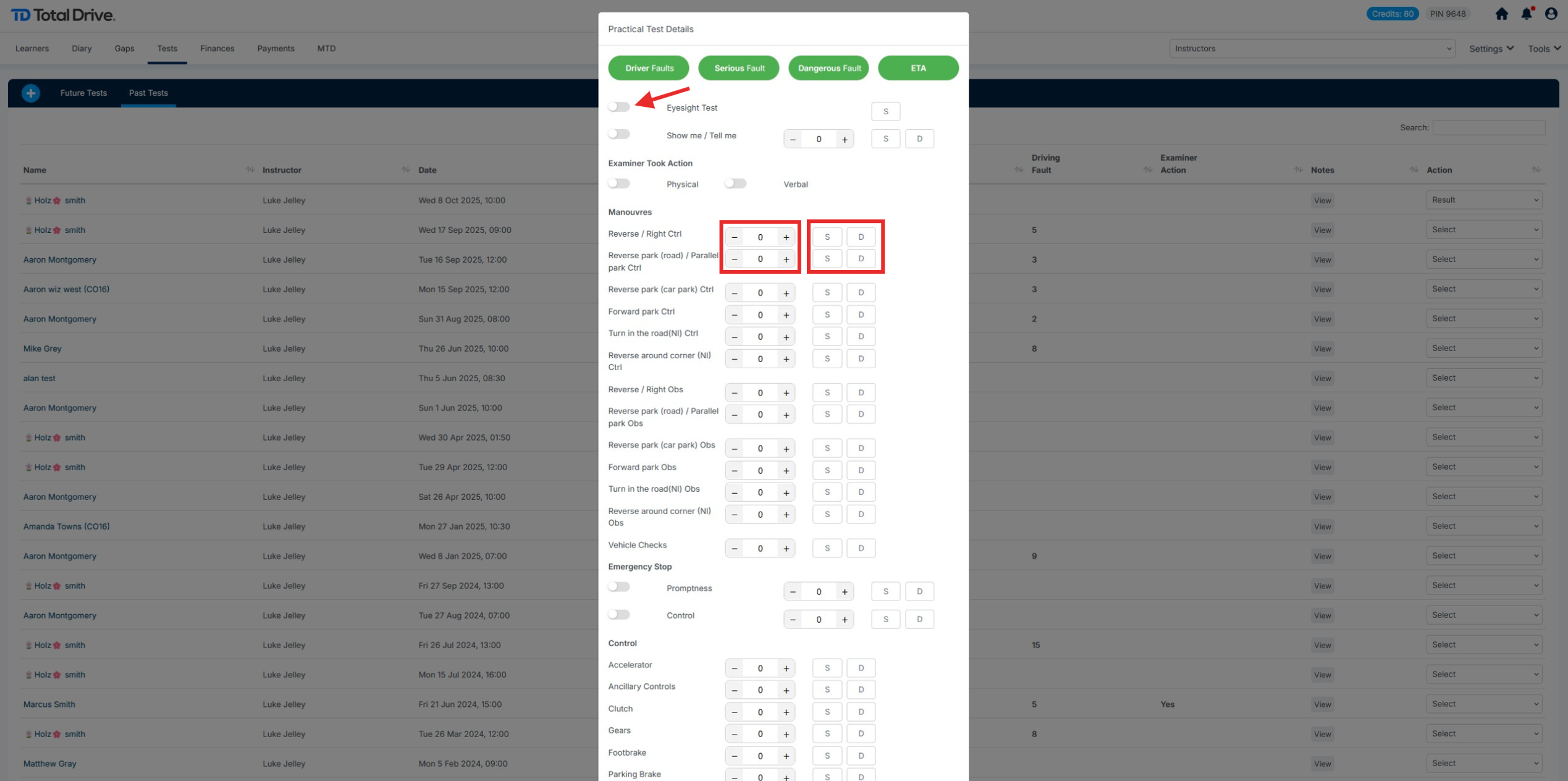
Once you have updated the Driving Test Result, you can complete the entry by clicking the save button shown below: